Idle King: Loot Together
Save, reshape and play together
Coming from the demo? In the full game, open Options → Switch Save → Empty, then return to the main menu and start. If reshaping still says you need crystals, check the red lock marker and usable inventory first.
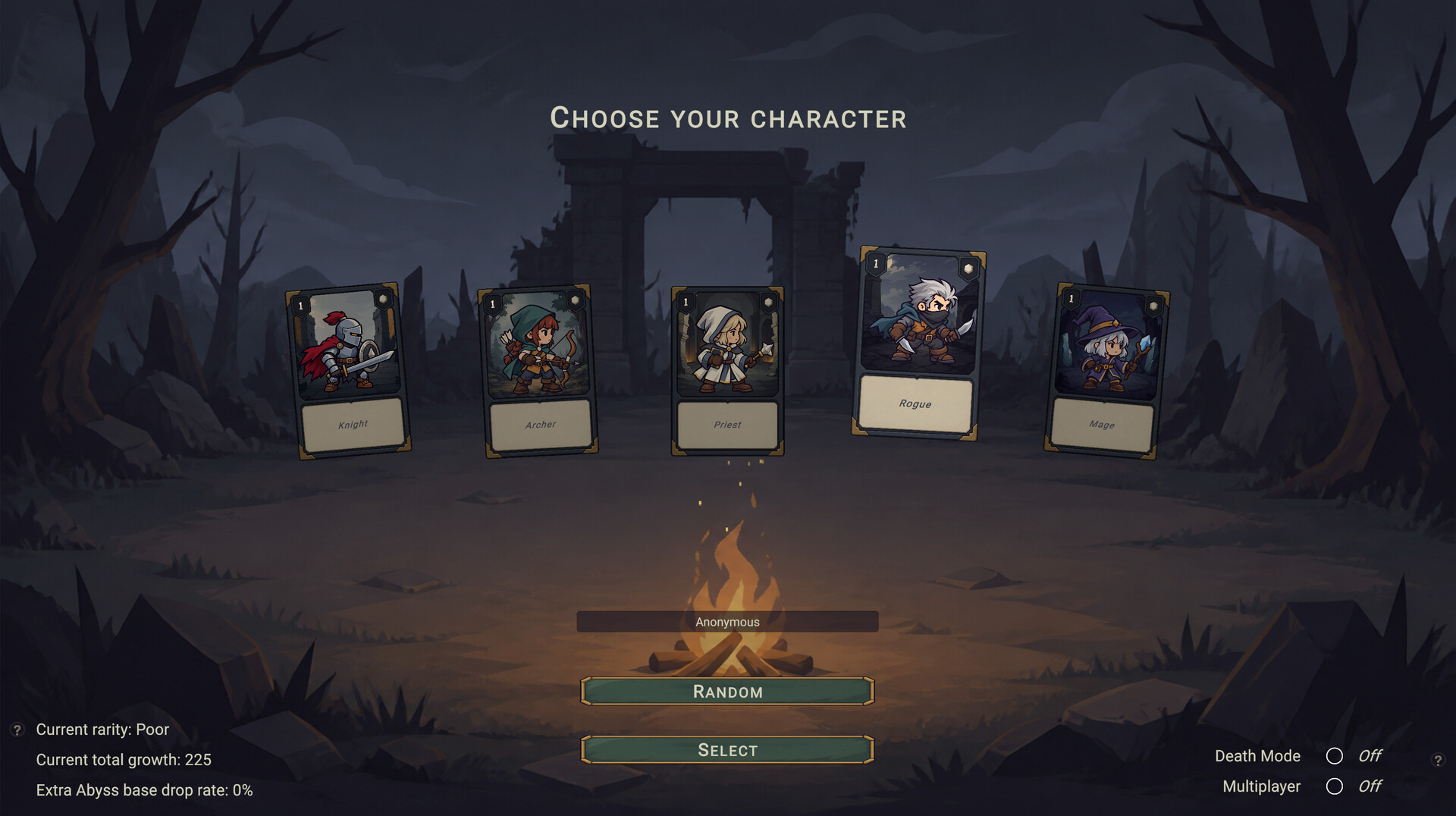
Idle King: Loot Together is PcZ Games’ online idle loot RPG for Windows and macOS. PcZ announced the full Steam launch for November 16, 2026 at midnight Pacific time. See the official Steam listing.
Watch the official trailer
Find a guide
Getting Started & Saves
Begin the full game, choose a save safely, redeem a pet or find a stage to farm.
Soul Reshaping & Crystals
Check your Sparkle Crystals, keep your progress bar safe and understand how Soul Potions work.
Progress & Abyss
Compare XP after the v1.0.6 update and bring a loadout you can evaluate into the Abyss.
Gear & Blacksmithing
Pick equipment for its affixes and use the Blacksmith’s Hammer for the operation you actually need.
Co-op, Friends & Versions
Match game versions, help your friends join and check which items you can share.
Find the next action for the character you are playing
Start from the result you are trying to get. If you just bought the full game, get a full-release run to start in the correct slot before investigating XP or gear. If your hero already clears a stage reliably, decide whether you want more character XP, Soul Reshaping progress or an equipment upgrade. Those goals can point to different comparisons even when the same fight supplies the rewards. Record the character, difficulty and outcome before you change two parts of the build together.
If you arrived from the demo, open Options and choose Switch Save. Select an Empty slot if there is one, return to the main menu and use Start Game. The developer says the full game does not support demo saves. Keep the other slot intact while you establish the new run. The full-slot guide covers the additional decision you face when there is no Empty slot.
Read the message before changing your inventory or build
An Abyss or reshape warning about a missing Sparkle Crystal calls for a small inventory check. A player who already had five crystals reported that splitting one away did not clear the message. The reply points to the red lock marker and the item being in inventory rather than storage. Test an unlocked item on the same character before making a wider change. If the warning clears, look for any remaining prerequisite on the action itself.
An available reshape is also a decision about progress. In v1.0.6 the developer says reshaping before its bar is full resets that bar to zero. Read the bar before the final confirmation. The update also says a Soul Potion supplies character XP and reshaping progress equal to twice that XP award. The following patch enables offline potion drops and allows stage-earned potions to be shared. The guides separate the drop conditions you can check from an exact rate the developer did not publish.
Choose a useful test for gear or co-op
If you need a gear upgrade, compare a candidate and your current piece on one familiar stage. Watch clears and the point of failure, then weigh the affixes and available sockets against that outcome. An item with useful existing affixes can be worth keeping for a hammer tempering decision. The official tempering note says the operation uses an empty gem socket, so check the socket before confirming.
If a friend cannot enter your game, compare the exact version on both clients first. PcZ Games requires matching versions for multiplayer. Once you know a friend can enter, a short clear on a familiar stage gives you a reference for later multiplayer performance. The co-op pages separate join problems, in-battle slowdowns and sharing a stage-earned potion.
Choose the topic that fits the next decision and follow its guide until you can see the outcome in your own game. Use your present version and in-game labels when older community posts refer to other behavior.